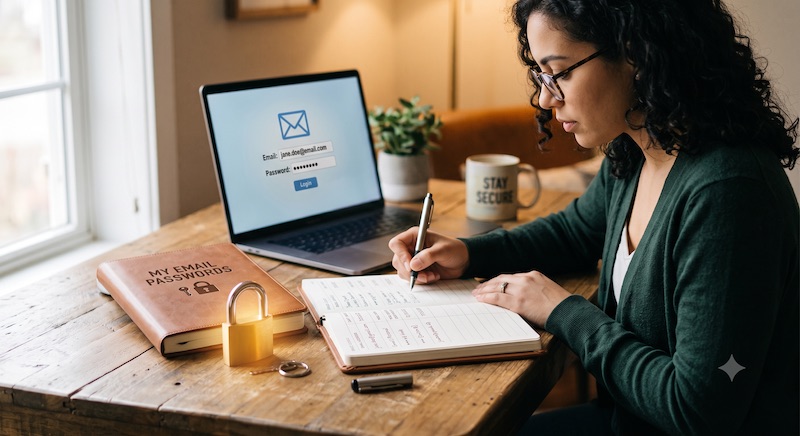
This is probably the most asked question we get. You change phone or computer or just want to log into webmail. But you haven’t kept a note of your password.
Email is probably the single most relied on method of communication these days. We all rely on it all day, every day. And yet so many people don’t keep a note of their password.
We don’t recommend you write it in a black book in your desk drawer. Or make it something easily guessed. But you should be using a secure password manager to store it and any others. And make sure you never use the same password twice. The password manager will make that easy.
Some tips to keep you safe and with access to your email.
- Use a password manager and let it generate a random strong password for each place you log into
- Don’t use an easily guessed password
- If 2FA (two-factor-authentication or multi-factor-authentication) is available, use it. This generates a code which only last up to 30 seconds every time you log in so even if someone does know your password they still can’t get in without that code
- Keep a note of where webmail is (if it’s offered by your email provider – all email accounts we provide come with webmail)
If you are on Apple devices (iPhone, iPad, Mac…) then they provide a Passwords app which is ideal for this. Alternatives are Bitwarden (free), 1Password, LastPass.
Keep in mind that the password isn’t stored anywhere by your provider. It’s encrypted so impossible to retrieve. If you don’t know it then the only option is to get it reset to a new one. If you have many devices accessing it then they’ll all need to be given the new password.
Please sort this out now if you haven’t already. You’ll be glad you did.